How do I check if PeakHour is reporting data accurately?
The simplest way to check if PeakHour is measuring your Internet Gateway traffic accurately is to enable Speed Tests in the Internet Dashboard.
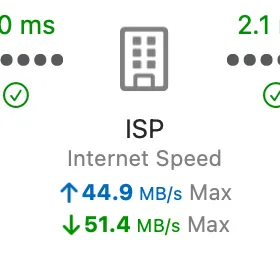
You can do from Internet Dashboard settings. Enable Periodically measure Internet Speed and then click Run Now. Check the monitor for your Internet Gateway and make sure the upload and download speeds being shown match the Internet Speed shown under ISP in the Internet Dashboard.
Check out the Usage Monitoring page for more information on accuracy.
Was this page helpful?
Found something wrong, unclear, or out of date? Let us know and we'll fix it.