"Error initializing Appstore Offerings"
When first launching PeakHour, you see the following error message:
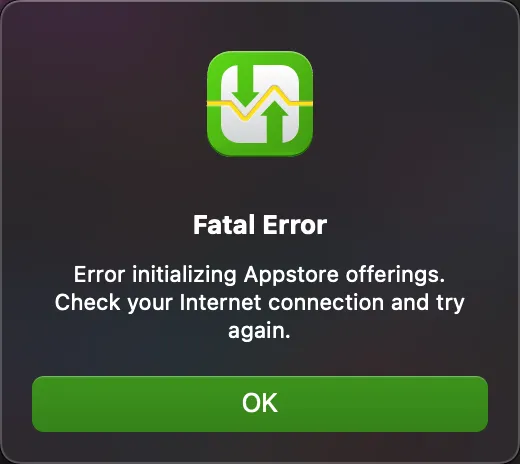
The most common cause for this issue is problems with the Mac Appstore on your Mac.
It is usually a simple fix. Here are some steps to try:
-
Reboot your Mac
-
Try disabling any DNS blockers (e.g. pihole) or filtering firewalls/proxies on your network.
-
Log out and back in to the Mac Appstore. To do this:
-
Launch the Mac Appstore
-
Choose Store > Sign Out
-
Click Sign In at the bottom left corner of the window and follow prompts.
-
If your issue still persists after performing the steps above, reach out to us at [email protected] and we’ll be happy to assist.
Was this page helpful?
Found something wrong, unclear, or out of date? Let us know and we'll fix it.